

Driving as we know it has changed drastically over the past few years, with advancements in car tech, and cars themselves, striding forward at increasing pace. The invention of such car tech as the Sat Nav has revolutionised the way we navigate the roads, giving us the shortest route – and nowadays syncing with traffic updates to give us the quickest route based on road closures and traffic congestion. One area that has developed incredibly is the implementation of driving apps, which can assist you whilst driving – although we flat out recommend you do not use a mobile device whilst the engine is turned on, as this can land you in serious trouble.
In our “10 must-have driving apps for every driver” articles, we will cover our favourite driving apps that are available for you to download, complete with our review of them and a download link if you wish to explore these driving apps for yourself.
#10 Native Navigation Apps

- Cost: Free
- Available: iOS & Android
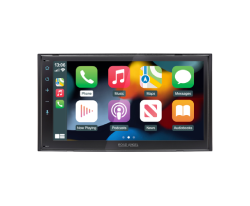
- CarPlay or Android Auto Compatible: Both
Hitting #10 of our must-have driving apps is your phone’s native navigation app. Simple in concept, but with so many unique features, such as nearby hotspots – such as petrol stations, places to eat and numerous places of interest.
These native apps of Apple’s iPhone include several different modes:
Explore Mode: Explore mode is the basic setting for native navigation apps, offering insight into local points of interest, showing you places you may not have realised existed until you start endlessly scouring the face of the map.
Driving Mode: The Driving Mode is dedicated to – you guessed it – driving. Driving Mode shows you some places of interest, but primarily focuses on road closures and traffic updates, making it a great companion as a sat nav when you’re cruising.
Public Transport Mode: Public Transport Mode is great for those on the commute, who aren’t travelling via non-public transport means, such as their own car or carpooling with a friend. It shows you the main bus routes, allows you to view bus timings within the native navigation map using third party public transport data, and it also allows you to use it for understanding nearby train routes.
Satellite Mode: Satellite Mode is great for when you’re learning to understand a local area based on aesthetics of the buildings and the roads around the area you’re viewing. The amazing feature about Satellite Mode is you can turn your 2D map into a 3D map, allowing you to view the area as if you were viewing it from an airplane.
Conclusion: These are great entry level navigation apps that come pre-installed with your smartphone’s operating system. With them both not costing anything as they’re pre-installed into the operating system, they’re sometimes a first-choice app for navigating the UK. Overall, I’d give the native app a 6/10, as they’re simple to use, easy to understand and free, but can contain some inaccuracies regarding things such as traffic.
#9 Smart Dash Cam

- Cost: Free
- Available: iOS & Android
- CarPlay or Android Auto Compatible: None
Number 9 on our list is Smart Dash Cam. Yes, there’s an actual app for your phone to transform your phone into a dash cam. Sounds great, right? As much as it is a nice idea, there are multiple complications behind it, and we only recommend you use this mobile app version of a dash cam as a tester to see if you’d benefit from getting a standalone dash cam unit.
You benefit from having a second pair of eyes on the road, but there are some complications:
- The app is subject to some bugs and freezing/crashing, which may result in recording corruption
- Some Traffic Cops may view you using your phone as a distraction, which is a criminal offence
- You’ll need your phone plugged in at all times, to ensuring the battery doesn’t die
- Notifications may distract you or interrupt your recording
- The footage is stored on your smart phone, which will quickly fill the non-dash cam optimised storage
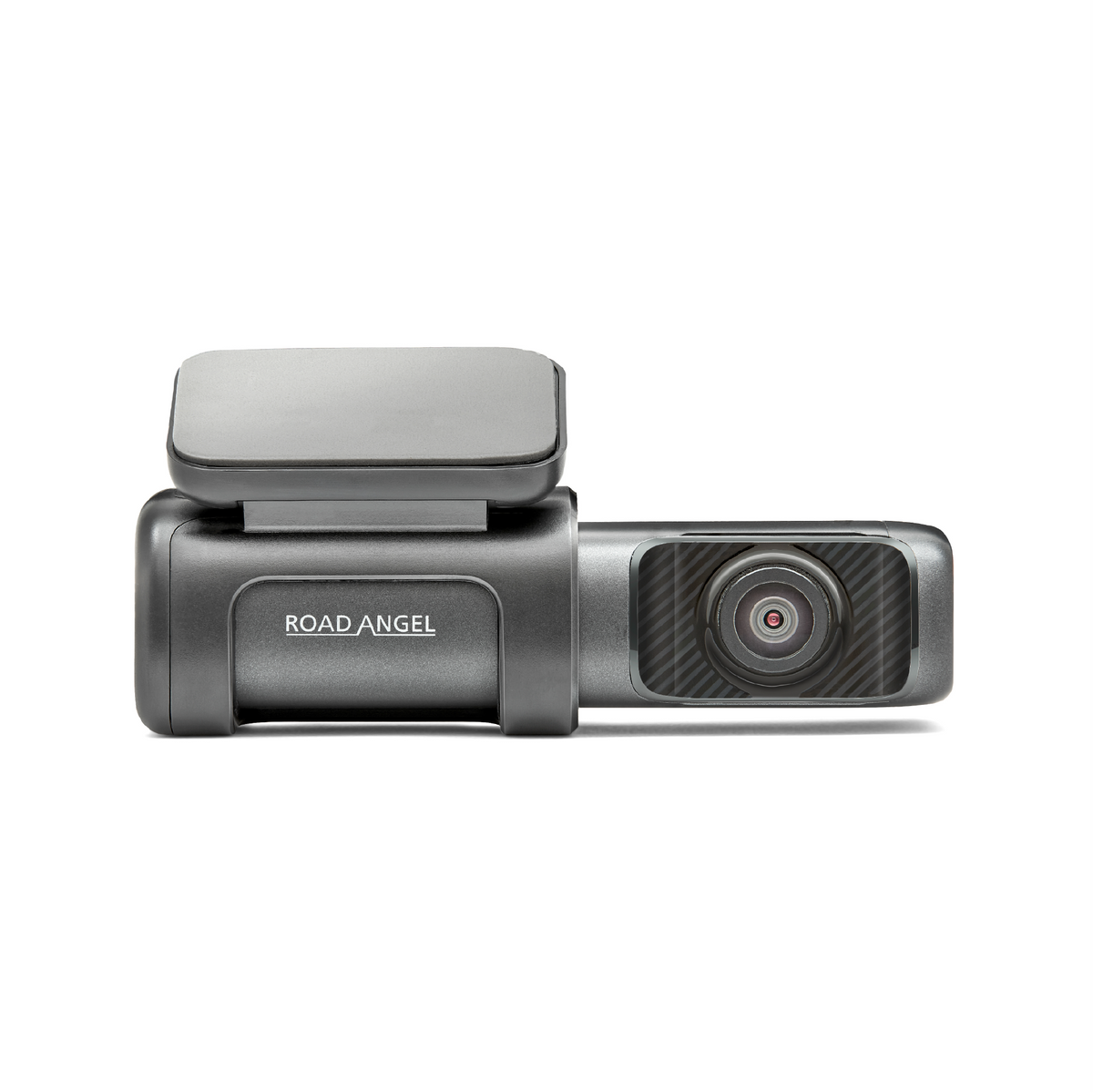
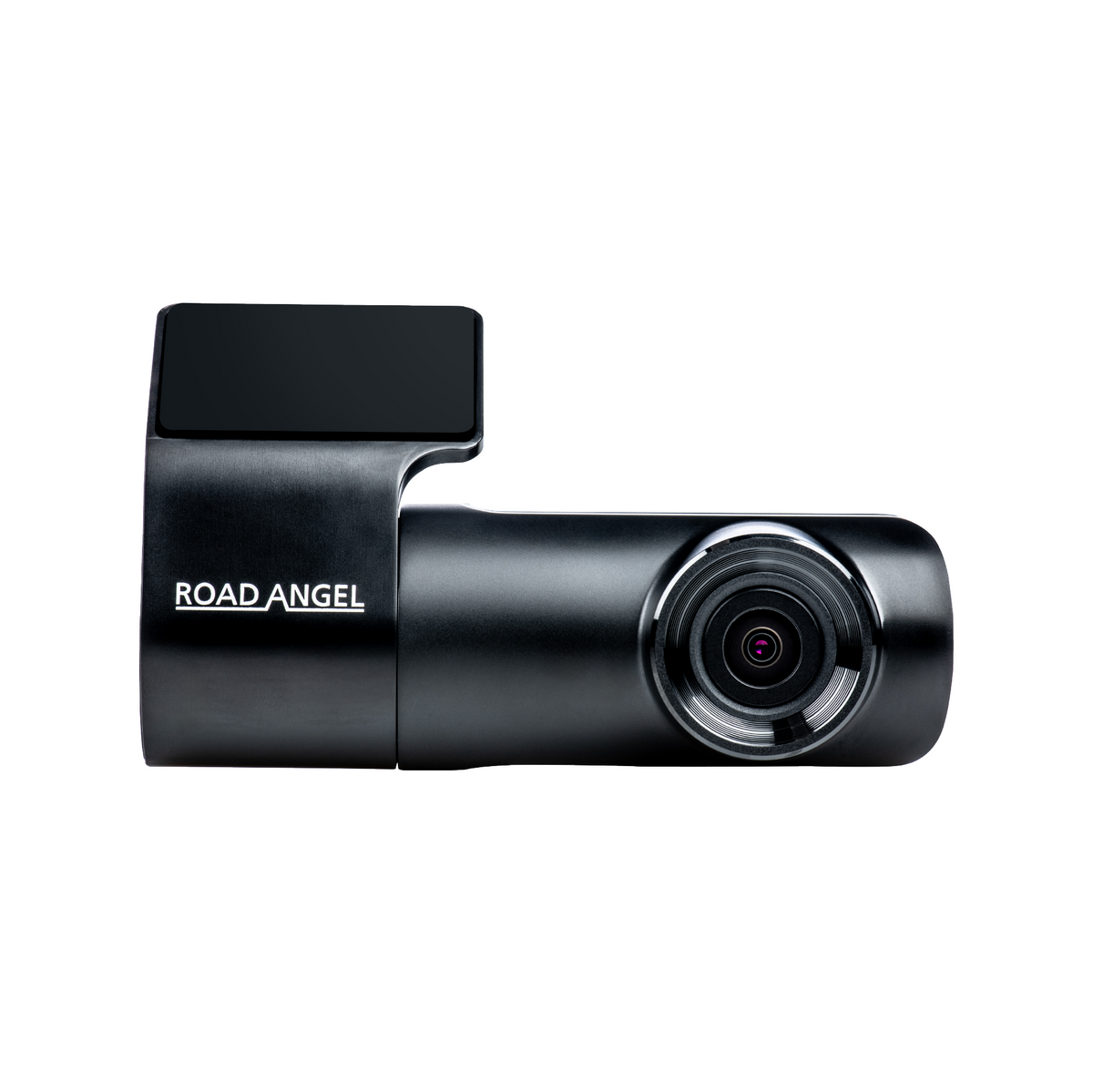
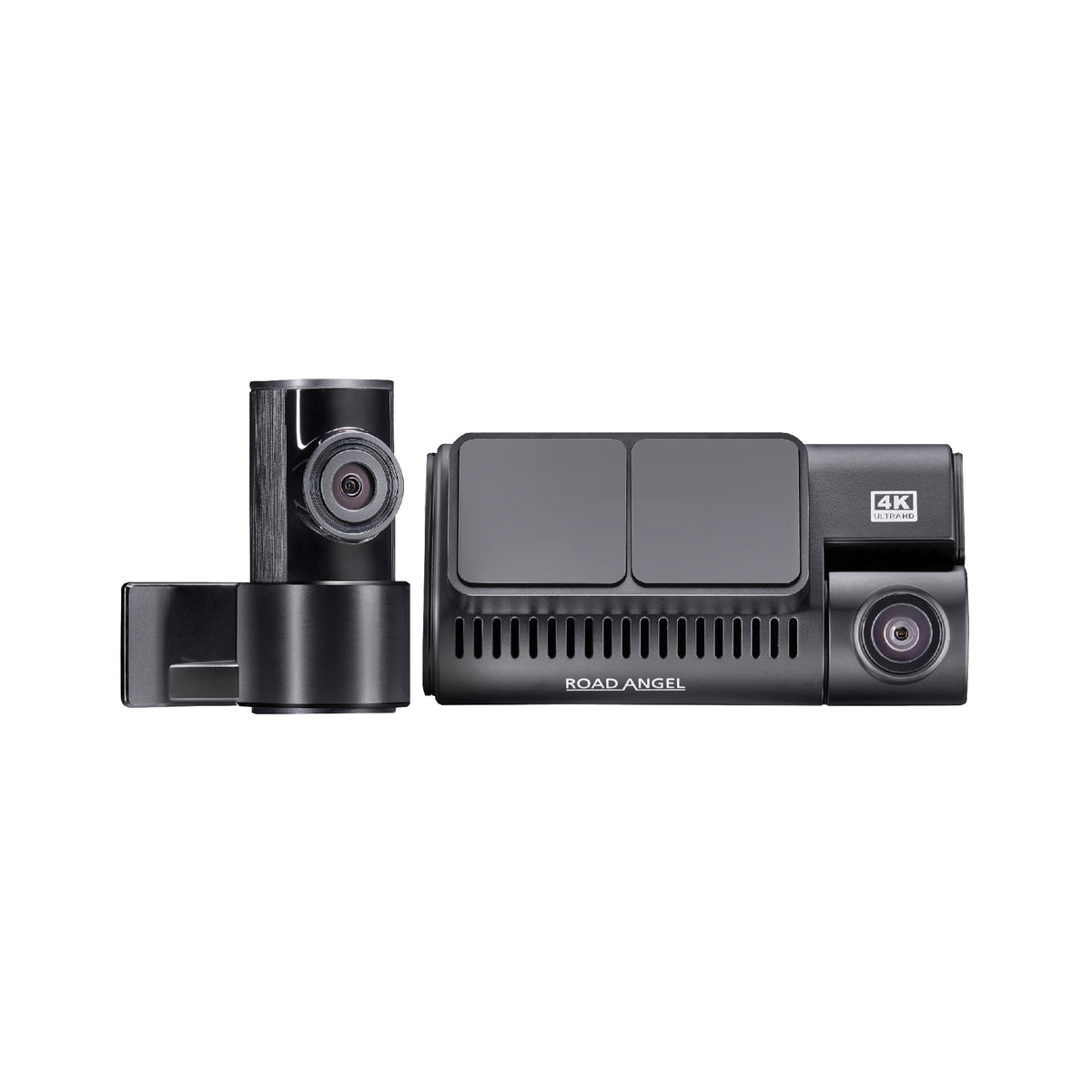
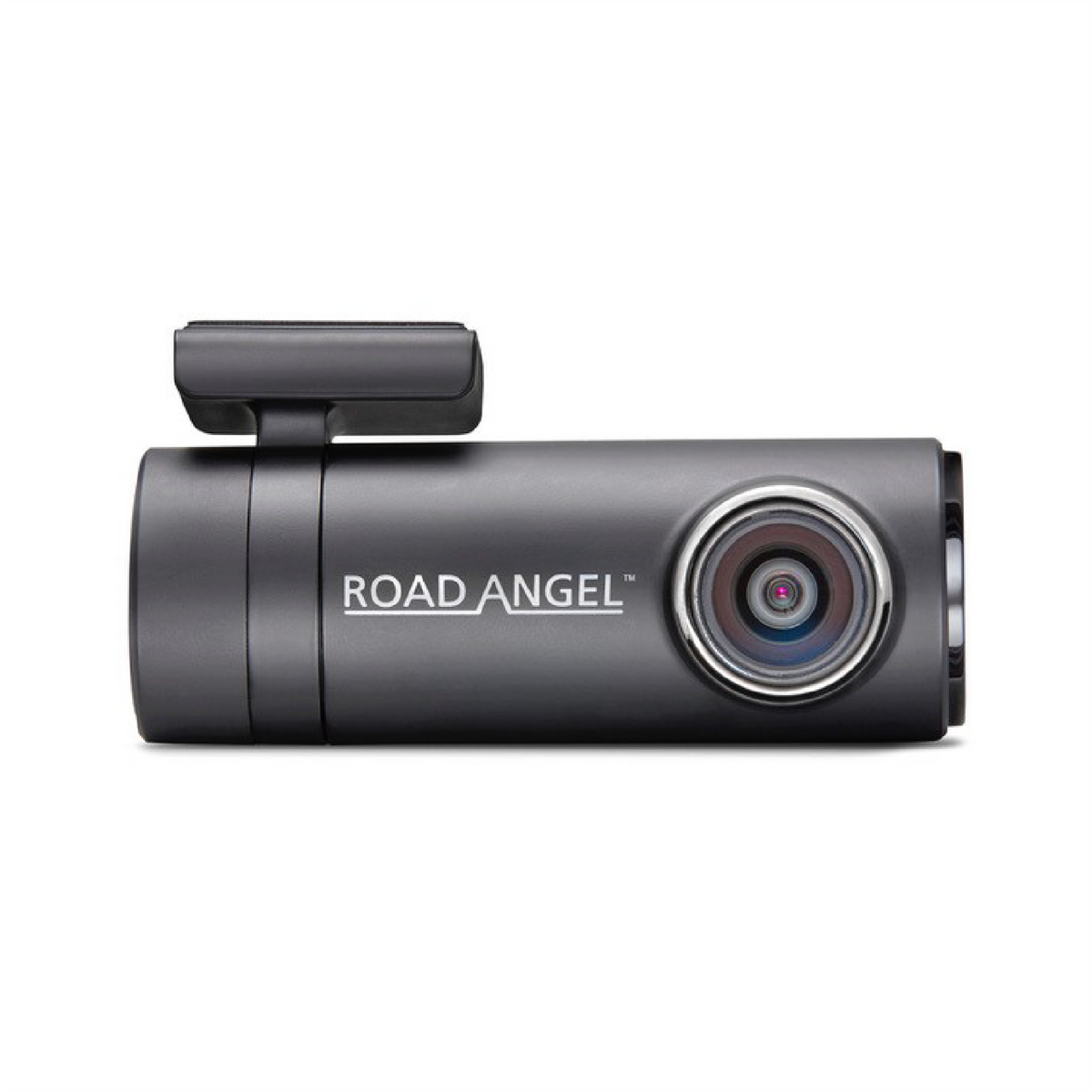
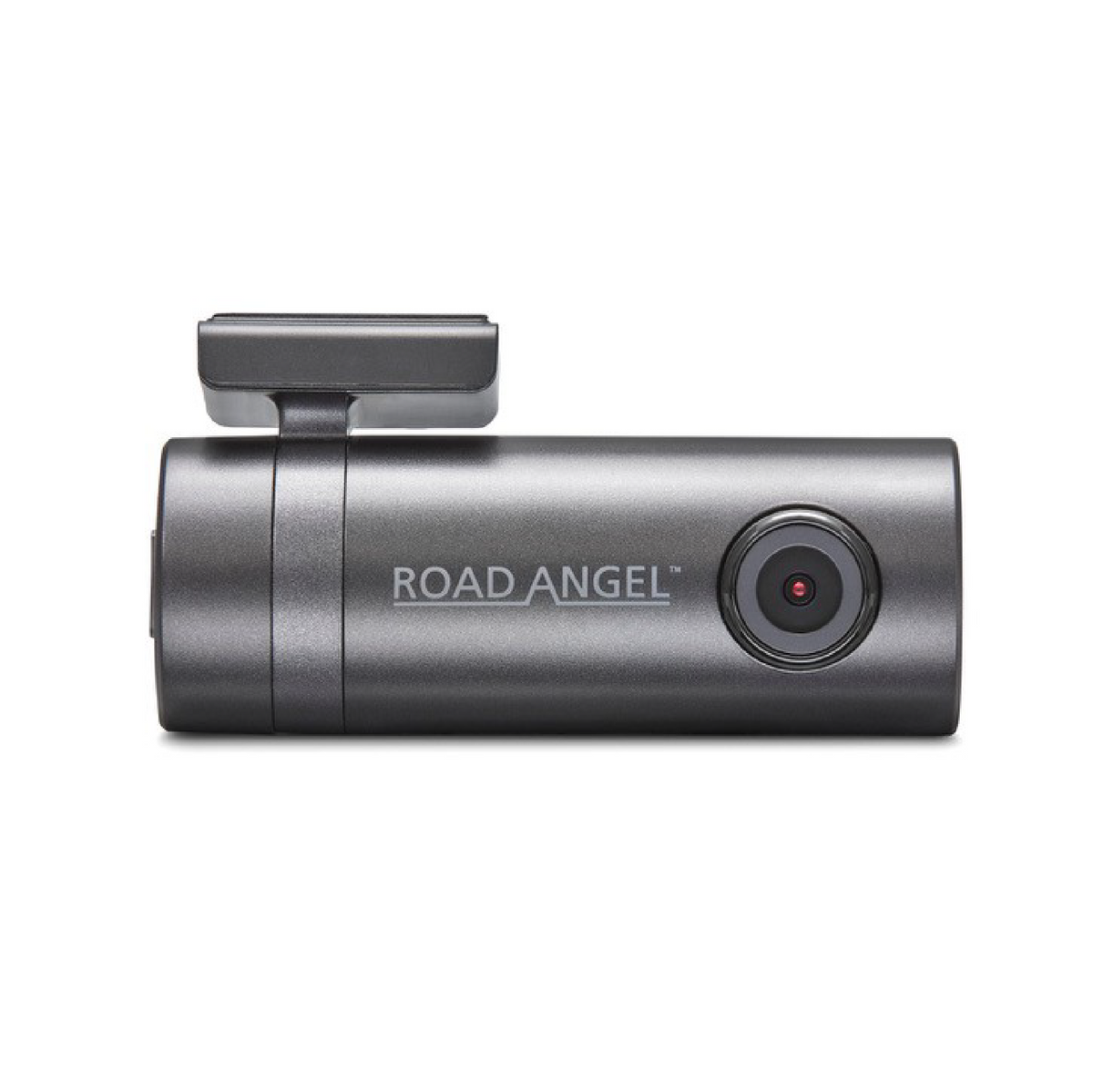
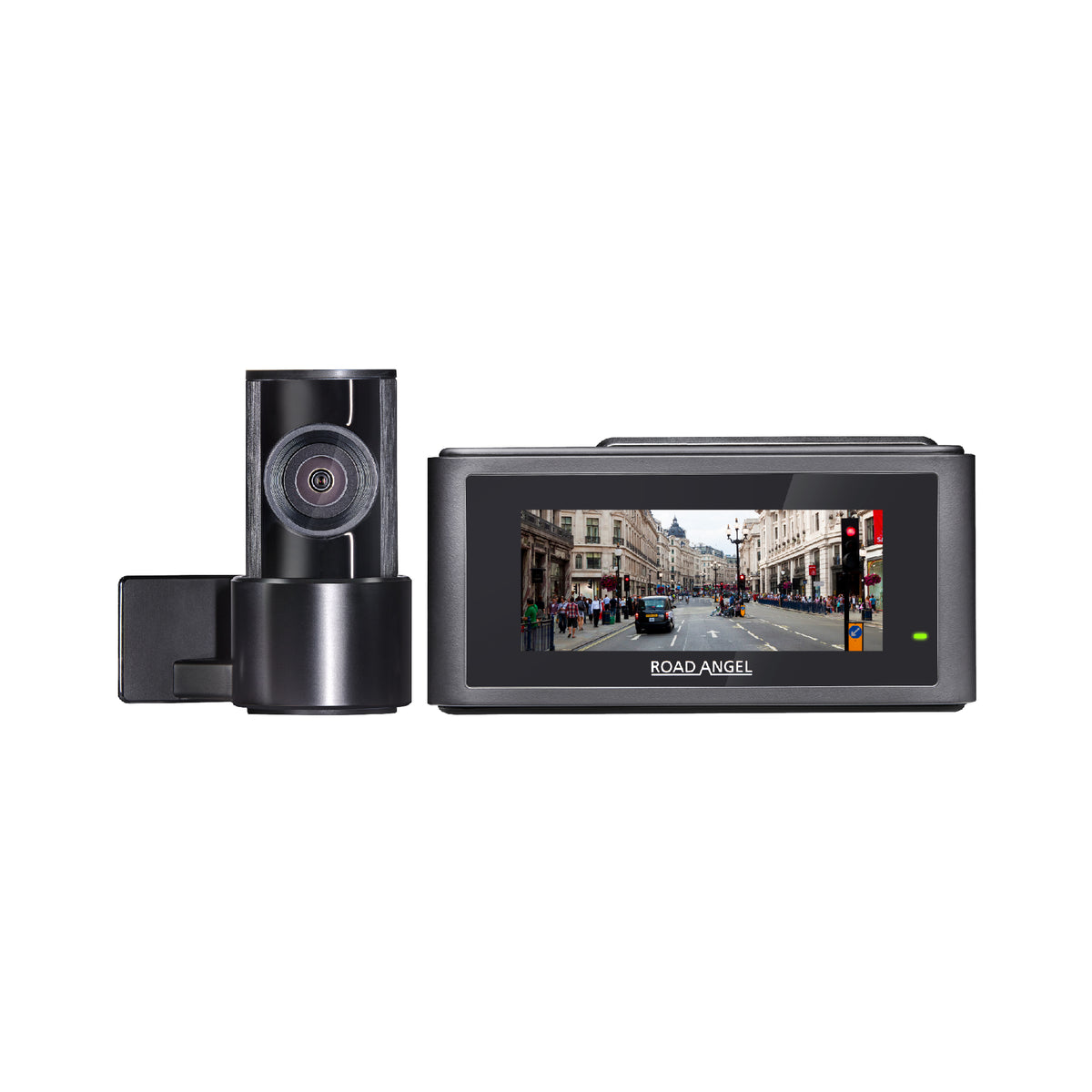
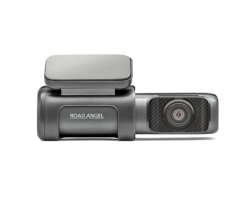
Conclusion: Due to the above complications, we’d always suggest using a standalone dash cam unit, such as one of our Road Angel Halo dash cams. With too much on the line, it is important to remember than using this app may be a criminal offence and the risks certainly outweigh the gain, and we recommend finding a distraction free dash cam with all the mod cons like winter mode, parking mode and cloud access, to ensure you’re protected, even when you’re not in the car.
#8 PlugShare

- Cost: Free
- Available: iOS & Android
- CarPlay or Android Auto Compatible: None
Have you gone electric yet? The world is full of EVs, which in turn has meant the world is now full of EV chargers. But where are they? Using the PlugShare app, you no longer need to scour the face of the Earth to find a public EV charger, as PlugShare shows you almost every EV charger in the world, right at your fingertips, whether they’re ready for use, out of use, being used already or being built – PlugShare has you covered for your EV charger needs.
Conclusion: As the world turns more towards electric vehicles, EV chargers are going to pop up, here, there, and everywhere. This app allows you to find your nearest EV charger, complete with ratings, features, and reviews about the EV charger in question, so you can decide where you want to charge you electric vehicle up at.
#7 Waze

- Cost: Free
- Available: iOS & Android
- CarPlay or Android Auto Compatible: Yes
Waze is a top-tier navigation app, which relies on user-submitted content for things such as roadworks, road closures, accidents, speed cameras etc. – which is great for a free application. The downside we’ve faced ourselves when using Waze, is the inaccuracy of some of the data provided by users. An example of this is speed camera detection – remember, if the public can use Waze then so can the Police, which means once they’ve been flagged they can soon shift location. The only true method of speed camera detection is by exploring speed camera detectors such as the Road Angel Pure range.
Conclusion: Waze is great as a free option for a navigation system but isn’t quite as good as an actual sat nav standalone unit. With the user-submitted content, you run the risk of facing inaccuracies, but you literally pay for what you get – pay nothing, expect nothing, right?
If you’re looking for a dedicated standalone sat nav, then check out the Snooper sat nav range, and if you’re looking for a speed camera detector, then take a browse through out Road Angel Pure Speed Camera Detector range.
#6 Google Maps

- Cost: Free
- Available: iOS & Android
- CarPlay or Android Auto Compatible: Yes
Our first-choice navigation app is Google Maps. This is the most up-to-date navigation app available and provides precise information, whether that’s business information linked to Google MyBusiness, or adding a “no left turn” as an instruction, Google Maps uses the user-submitted content and verifies it, resulting in the best, most up-to-date navigation app for your phone.
Conclusion: We love Google Maps, we really do. But you cannot beat a standalone sat nav unit guiding you along the roads. With constant sat nav updates and endless streams of real-time data being transferred, modern sat navs are the leading choice for us in satellite navigation.
Check out our partners, Snooper, to look at what standalone sat nav units should really be like.
#5 PetrolPrices

- Cost: Free
- Available: iOS & Android
- CarPlay or Android Auto Compatible: No
Numero Cinco. PetrolPrices. It does exactly what it says on the tin – gives you petrol prices (well, diesel too!). This is very useful if you’re running low on the good old “go juice”, allowing you to find your nearest petrol station, but with the ability to find the lowest priced one too. This is based on users submitting information to the app, so again it’s an app dependant on user-submitted information, but still works great and serves its purpose.
Conclusion: If you need to find a petrol station quick time but don’t want to break the bank – then this app is the one for you. Getting more pennies per mile is a direct cause of smiles per gallon, so any way to save money on fuel we class as a success!
#4 JustPark

- Cost: Free
- Available: iOS & Android
- CarPlay or Android Auto Compatible: Yes
Coming in at number 4 is JustPark, the only app you’ll ever need when you’re trying to find a parking space – including information such as whether a EV charger is available or not. JustPark doesn’t just cover public parking, it also houses a vast range of driveways which are available to book, with the timeframes you can book for between 10 minutes to an entire month.
With the built-in features of the app, you can also receive a digital copy of your receipt, add new vehicles to the space, rebook past spaces and even extend your stay.
Conclusion: Our honest opinion of JustPark is a highly rated one. No longer do you need to search the face of the Earth for a parking space, the ability to find and book your parking space before you even get there – through Apple CarPlay & Android Auto, is unrivalled.
#3 Road Angel App

- Cost: Free
- Available: iOS & Android
- CarPlay or Android Auto Compatible: No
Okay, we may be a little bit biased here – but we really think our Road Angel app is pretty good *insert selfless plug*. It’s the all-in-one app for your Road Angel products, allowing you to setup, control and manage your Road Angel devices from a central location.
You can access your dash cam footage straight from the app, as well as accessing or different type of metrics and data. There are also quite a few new features coming in the future – so keep your eyes peeled!
Conclusion: Well, what can we say, apart from Road Angel! As our products develop, so does our app – meaning the Road Angel app is always kept up to date and we endeavour to constantly add more and more features, giving you peace of mind and continuing to be your guardian on the road.
#2 myRAC

- Cost: Free
- Available: iOS & Android
- CarPlay or Android Auto Compatible: No
Okay, so this is a good one. It’s literally your all-in-one driving app, bar a few features. You can call for breakdown assistance, find local petrol stations with the lowest prices – just like PetrolPrices, set reminders for your vehicle service, MOTs, insurance and tax, the latest driving news & advice, and an innovative route planner complete with real time traffic, accident, and potential hazard updates.
Conclusion: Between this and the top spot it was pretty close – with so many useful features built into the app, it’s almost like your on-the-go wizard for driving. Combining many of the previously mentioned apps and the result is this app, which is handy when you’re hitting the roads.
#1 Spotify

- Cost: Free
- Available: iOS & Android
- CarPlay or Android Auto Compatible: Yes
The top spot must be handed to Spotify. Here at Road Angel, we LOVE our music – it’s the life and soul that runs the team here. What better way to listen to music and podcasts that through Spotify, with it’s Apple CarPlay and Android Auto compatibility, endless playlists of your favourite genre of music, built-in lyrics feature and much more.
Conclusion: With an expansive library, seamless navigation, and personalised recommendations, Spotify dominates the music streaming and driving apps realm. With the ability to discover your favourite tunes effortlessly, create custom playlists, and unlock a tailored music journey powered by advanced algorithms. Anytime, anywhere, Spotify delivers the ultimate streaming experience, revolutionising how we consume and explore music - prepare to be captivated by the unrivalled reign of Spotify!