
Support for Road Angel RA-X722DAB
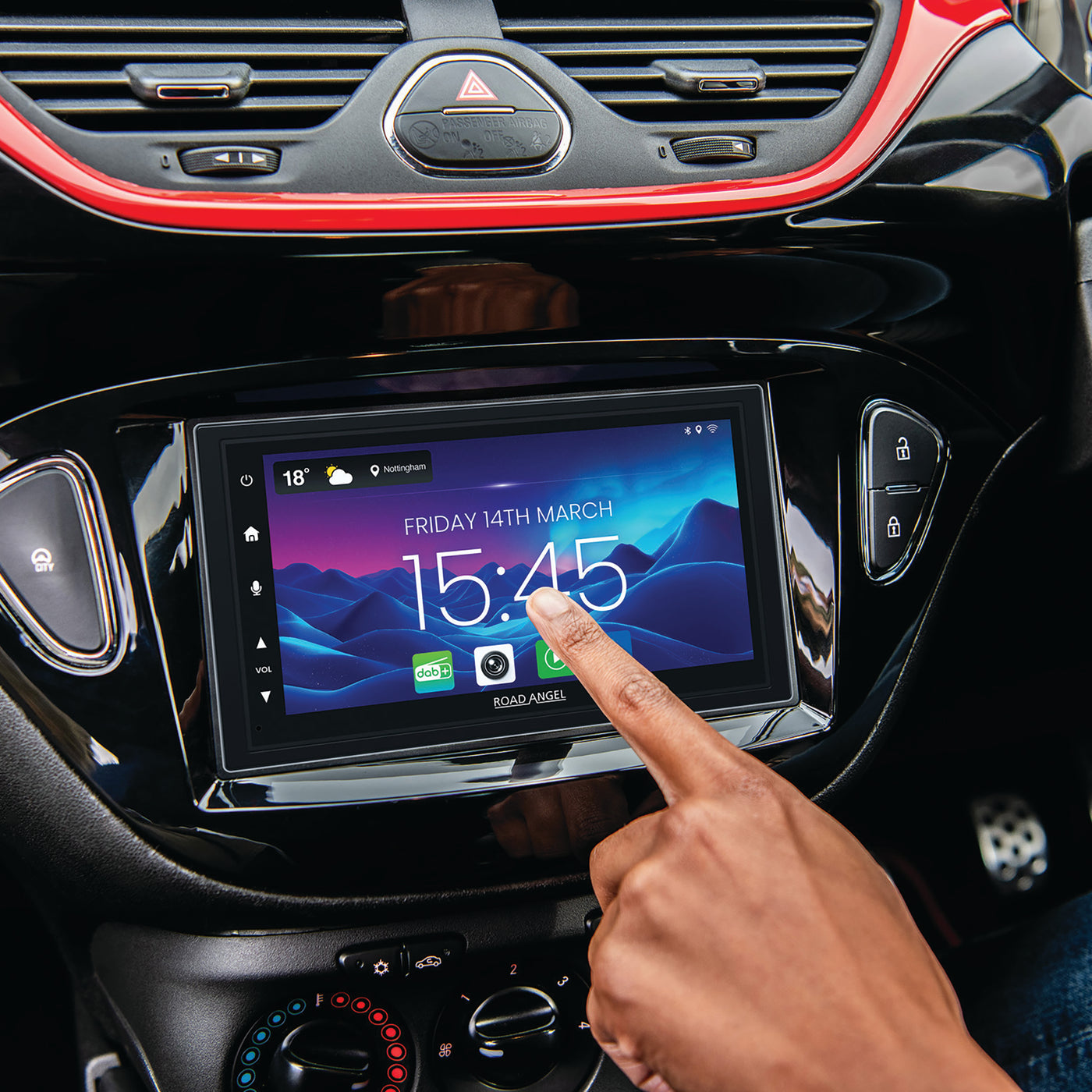
The RA-X722DAB car stereo support page.
Instruction Manuals and Downloads
Firmware Update Instruction
First step: Update system software
- Unzip and copy the update_dj.zip file to a USB drive, then plug it into Android Auto or Apple CarPlay. Power on the device and it will update automatically.
- Once the update is complete, proceed to the second step.
Second step: Update feature software
- Copy the apd_8257_AA_6.75inch_SS1 and zxdzlog.png files to a USB drive, then plug it into Android Auto or Apple CarPlay. Power on the device and it will update automatically.
Accessories for Halo